 Magic Kettle

How it works
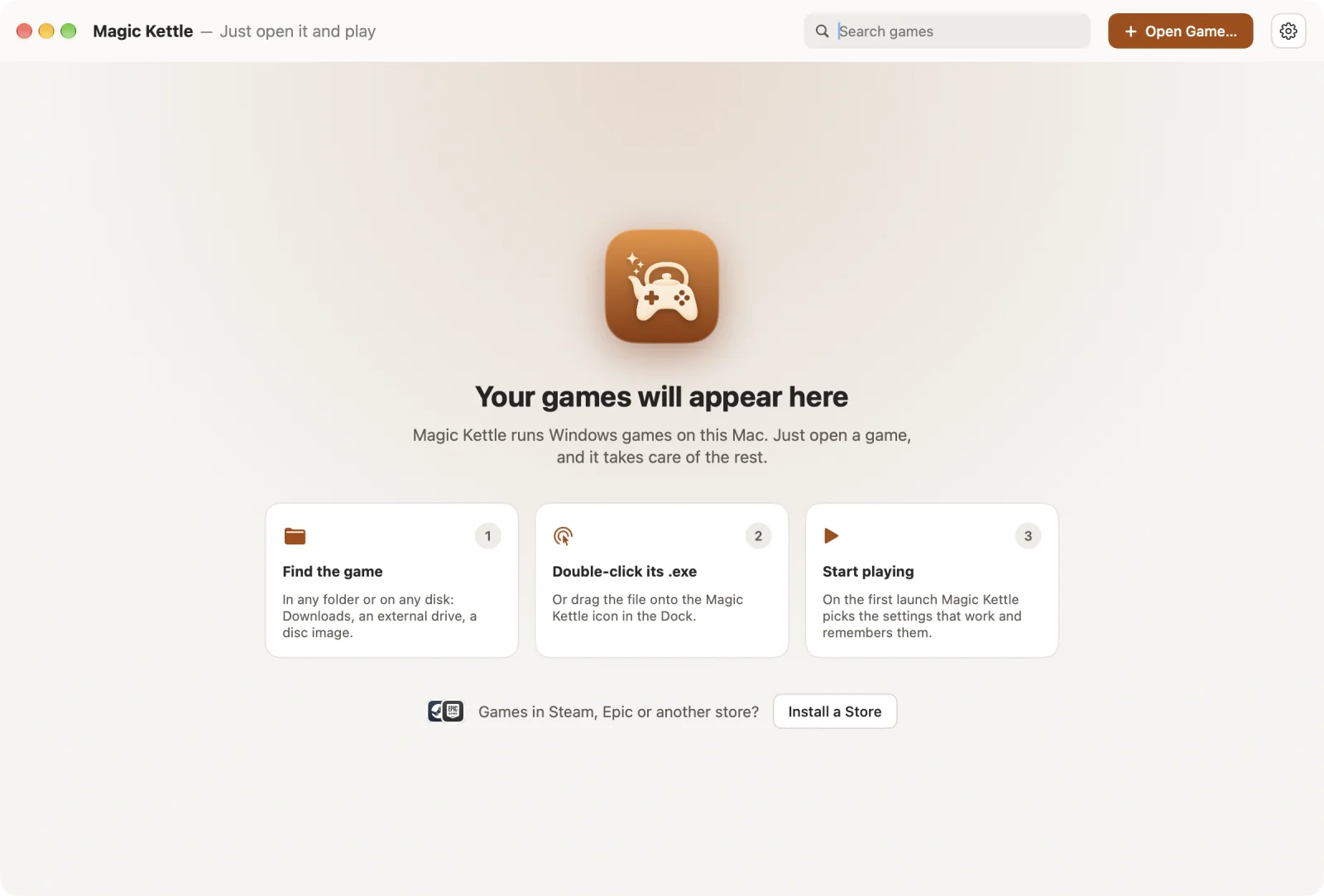
You do one thing: open the game. Everything else is Magic Kettle's job. No settings to pick, no guides to read, no Windows to install.
You open the game
Double-click its .exe in Finder, or drop the game's folder on Magic Kettle. Installers work too.
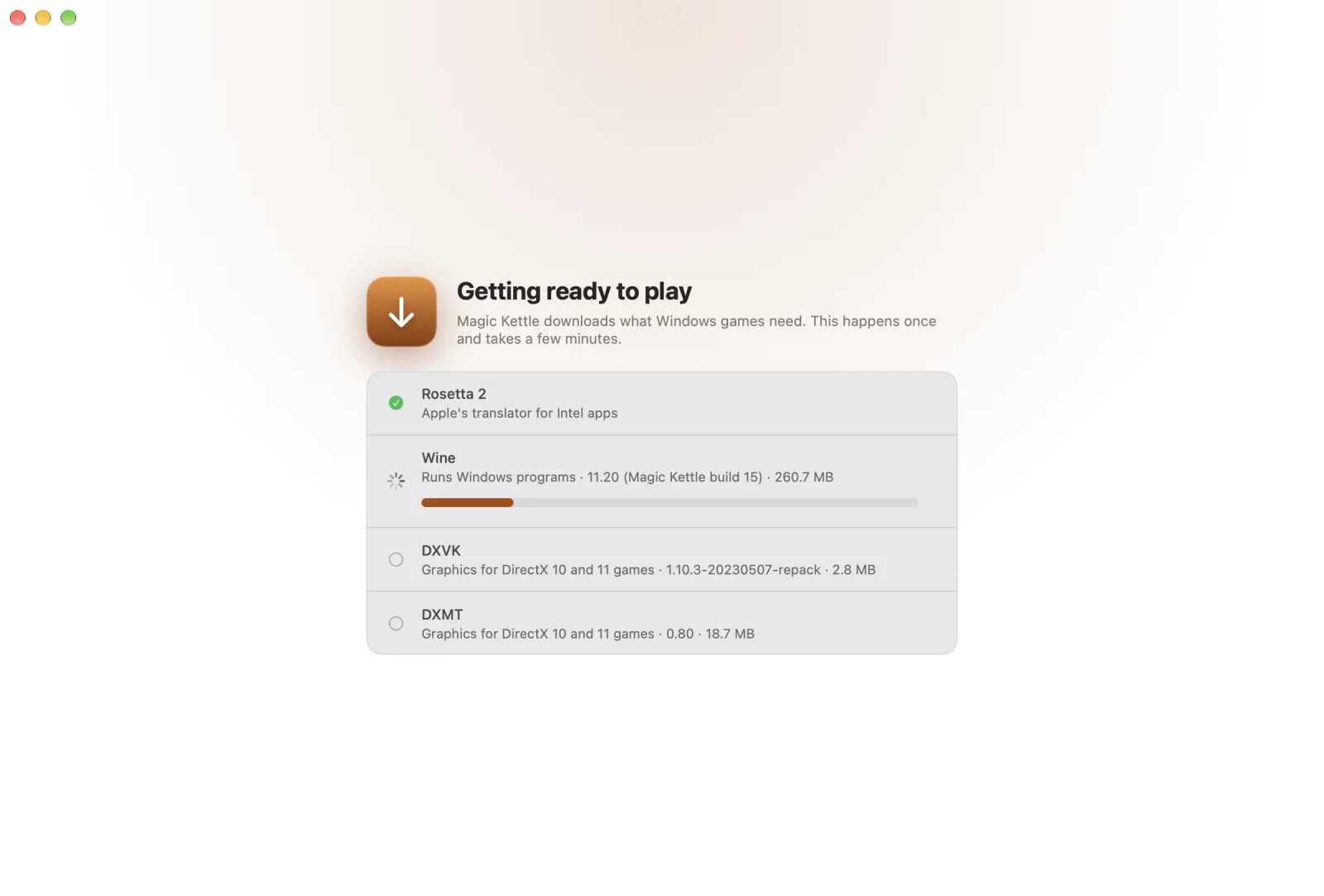
Magic Kettle works it out
It looks at the game, sets up everything it needs and tries settings until the game runs well. On its own, while you wait a moment.
You play
The settings that worked are remembered, so from then on the game simply starts.
See it
The whole app is a library of your games. There is nothing else to learn.
Install
Three steps, once. Magic Kettle is free and isn't notarized by Apple, which needs a paid developer account, so macOS asks you to allow it the first time.
Download
Download MagicKettle-…zip from the latest release, open it and move Magic Kettle to Applications.
Open it once
Open Magic Kettle. macOS says it can't verify the app and doesn't open it. Click Done.
Allow it
Open System Settings › Privacy & Security, scroll down and click Open Anyway next to Magic Kettle, then confirm. From then on Magic Kettle opens like any other app.
Or, instead of steps 2 and 3, run this in Terminal once: xattr -dr com.apple.quarantine "/Applications/Magic Kettle.app"
Made to stay out of your way
Everything a Windows game expects is handled for you, quietly.
DirectX 9 to 12
Magic Kettle reads the game and picks how to draw it on Metal. If the first choice fails, it tries the next. DirectX 12 games run on Apple's D3DMetal, which you add from Apple in a couple of minutes.
Components installed for you
Visual C++, .NET and RPG Maker's run time packages come from their publishers, only when a game needs them.
Your saves in one place
All games share one profile, so saves and settings stay put however many games you add.
Old games, made bigger
Games built for small screens are enlarged smoothly instead of switching your Mac's display.
Japanese games
Games made for Japanese Windows start with the right language and fonts, so the text reads correctly.
Private and open
Nothing about you or your games is sent anywhere. Every download is checked against a pinned fingerprint. The code is Apache-2.0.
Works today
Free and open source. More games and features arrive with every update.
- Works now: DirectX 9–11 games, Unity games, RPG Maker XP/VX/VX Ace, games that need Visual C++ or .NET.
- Stores: Steam and Epic Games Store install with one button.
- DirectX 12: games run on Apple's D3DMetal, which you download from Apple yourself, free. How to add it
- Needs: a Mac with Apple Silicon and macOS 15 or later.